Resin 3D printing, specifically SLA, DLP, and LCD, is rapidly gaining popularity for its ability to produce highly detailed parts. And the crucial part that translates a 3D model into printable instructions is the slicer. Today, we will compare two most dominant slicers in the resin market – Chitubox and Anycubic Photon Workshop.
What is Chitbux?
Chitubox is developed by CBD-Tech and supports a vast array of resin printers across numerous brands like Elegoo, Phrozen, including Anycubic, through its basic and pro versions. Its free basic version provides all the necessary tools, such as model positioning, rotating, and scaling of parts on the build plate. It also comes with resing-saving features like hollowing and hole drilling, and reliable automatic support generation tools.
What is AnyCubic Photon Workshop?
AnyCubic Photon Workshop is the proprietary free slicer developed by Anycubic and is specifically optimized for use with their Photon Series of printers, and is provided as free software. It supports .pwma, .photon, etc. formats and has optimal & verified default settings for Anycubic printers. It includes model manipulation, model repair tools, and control over essential slicing parameter controls like exposure and life speed.
Core Slicing Features in Free/Basic Version
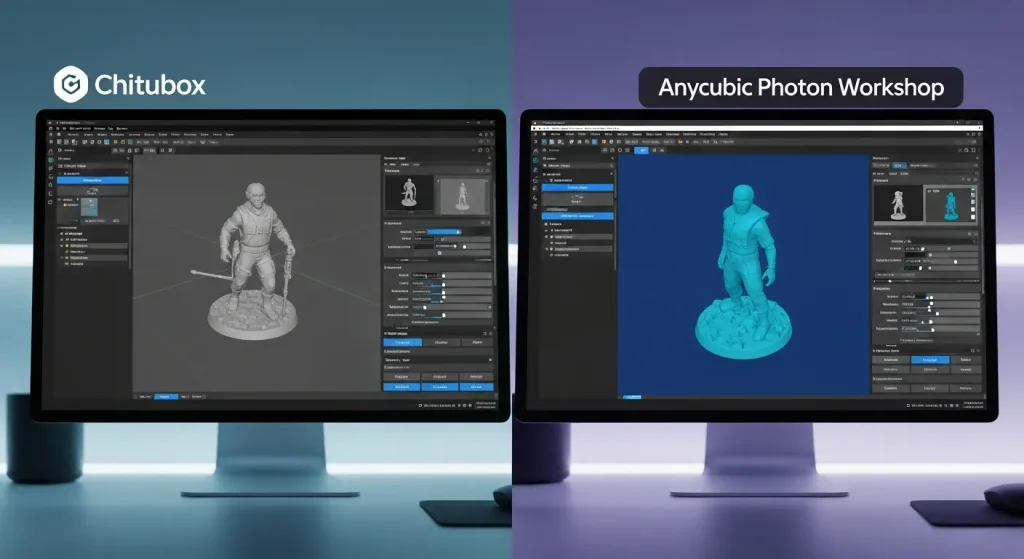
Both slicer platforms have the essential tools required for resin printing, but they differ in polish and capability. Both provide tools for Model Manipulation (Move, Rotate, Scale, Mirror) and allow you to set print parameters. Some of their core slicing features are as follows:
Hollowing & Hole Drilling
Chitubox Basic offers a robust Hollowing and Dig Hole feature, which is necessary for saving expensive resin and preventing print failures due to uncured resin trapped inside the model. Anycubic Photon Workshop also provides these tools, but they are less refined than the Chitubox.
Automatic Support Generation
Chitubox is well-known for having an excellent & customizable auto-support generation algorithm, which gives you great control over light, medium, and heavy supports. While Photon Workshop also offers auto-supports, you need to do more manual cleanup or rely on third-party software for complex models.
Slice & Print Preview
Both slicers come with a layer-by-layer preview of the sliced file, allowing you to check for “islands” (isolated pixels that will fail without support) before proceeding to a print.
Advanced Features in Pro Subscriptions
Chitubox Pro
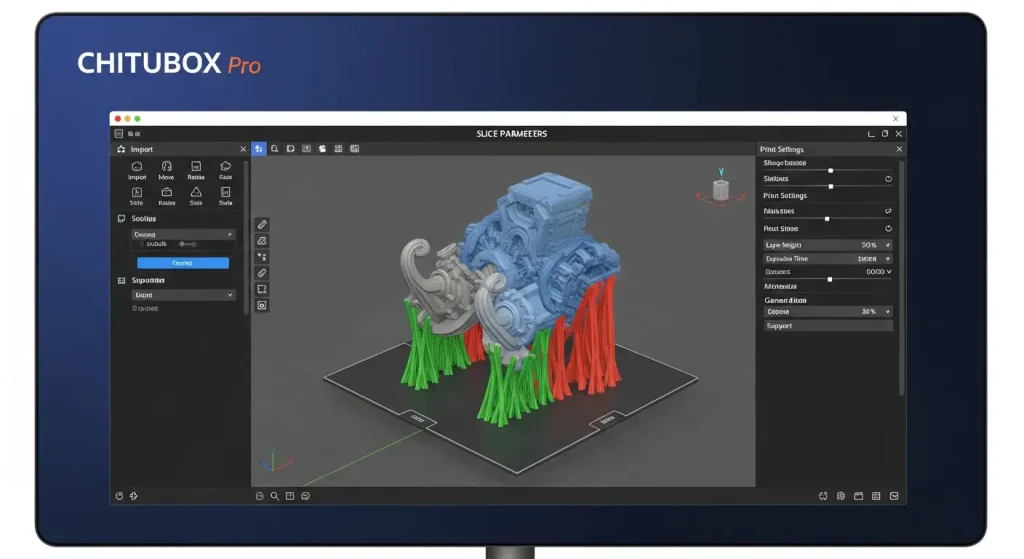
Chitubox paid subscription unlocks professional-grade tools. Its key Pro features include Advanced Support Generation like Magic Support; Multi-Parameter Slicing, which allows different settings like exposure time for different models or different heights on the same model; improved Auto-Orientation and Layout, and advanced mesh validation & repair with tools like Collision, Overhang, and Isolation detection. It also includes Cloud Services and Remote Monitoring (ChituManager).
- Multi-Parameter Slicing – It allows you to apply different print parameters like exposure time, lift speed, etc., to varying heights, cross-sections, or even multiple models on the same build plate.
- Tolerance & Slacking Compensation – The tolerance compensation feature adjusts the outer and inner dimensions, like holes of prints, to account for light bleed and the elephant foot effect, ensuring better dimensional accuracy. Also, the scaling compensation feature provides precise control over shrinkage compensation, which involves both percentage and offset values, which is critical for high-precision manufacturing parts.
- Advanced Support Algorithms – Chitubox Pro comes with highly optimized & stability-focused support types like Triangular Reinforcement, which connects three nearby supports into a stable triangle structure; Global Reinforcement, which creates an interconnected cross-structure grid among supports for maximum structural integrity during high-speed printing; and Magic Support for auto-grouping and batch support applications across multiple models.
Anycubic Photon Workshop
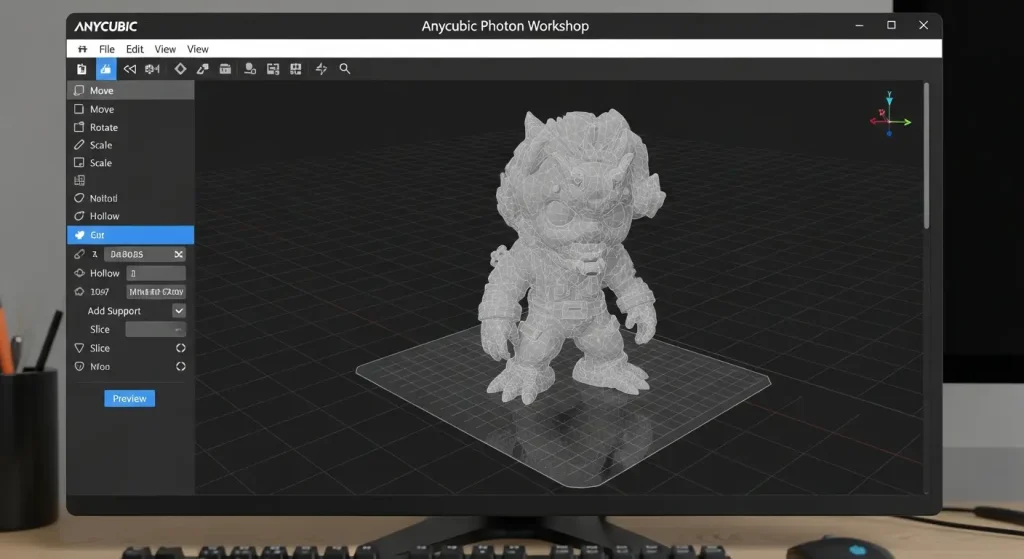
As a free proprietary tool, it doesn’t have a Pro version. Its focus is totally on ensuring perfect compatibility and reliable operation for its own Anycubic printers. Some of its advanced features are as follows:
- Z-Axis Advanced Control: APW allows you to manually set different lift speeds, lift heights, and retract speeds for the bottom layers versus the normal layers. Here, APW surpasses Chitubox Basic.
- Anti-Aliasing Control: You can fine-tune anti-aliasing settings by adjusting grayscale and image blur levels, giving you control over surface finish quality to reduce visible layer lines.
- Model Splitting: APW features a Free Cut function, allowing you to precisely split a large model into two separate printable components, a useful preparation tool absent in Chitubox Basic.
- Proprietary Enhancements: The Break Point support option remains a key proprietary feature. It facilitates post-processing by creating a specific weak point near the model contact, allowing for cleaner removal.
Printer Compatibility & Resin Profiles
Chitubox Printer Compatibility – Chitubox is widely compatible and supports nearly every major resin 3D printer brand, including Anycubic, Elegoo, Phrozen, and many others.
Chitubox Resin Profiles – It benefits from an extensive community and official resin profile database, which is often managed through their Resin Material Alliance. It makes it easy to dial in settings for a new, third-party resin brand.
APW Printer Compatibility – It primarily focuses on the Anycubic Photon series printers. While it can be used for printers from other brands, the process is often inefficient, and it is not intended to be a multi-brand solution.
Pros & Cons of Chitubox

| Pros | Cons |
|---|---|
| It’s widely compatible with nearly all major resin printer brands. | It requires a costly subscription to Pro for most advanced features. |
| It features robust support generation, customization, and editing tools. | Slightly longer learning curve for beginners compared to APW. |
| Its Pro version has professional-grade analysis and slicing tools. | You may sometimes require more effort to fine-tune exposure time calibration than with proprietary slicers. |
| It has a large community, tutorials, and a massive resin profile database. |
Pros & Cons of APW
| Pros | Cons |
|---|---|
| It’s free and proprietary software optimized for Anycubic printers. | It’s strictly limited to Anycubic printers, making it useless for multi-brand setups. |
| It has direct support for proprietary Anycubic file formats like .pwma, .photon, etc. | It has limited features and fewer advanced model preparation tools than Chitubox Basic/Pro. |
| It has a simpler and more direct UI, which is good for beginners. | It’s slower Slicing Performance compared to Chitubox, especially for dense or complex models. |
| It provides precise and accurate default resin profiles for official Anycubic resins. |
Conclusion
The choice between Chitubox and Anycubic Photon Workshop slicer is clear. If you own an Anycubic Photon series printer and are a beginner, then APW is best for you. It provides the necessary tools and reliable default settings for successful prints with minimal calibration headaches. If you have printers from other brands or want advanced slicing features, then Chitubox is the best choice. Its advanced features can’t be matched by APW and are worth the subscription cost.

I figured this would be biased, but your dumb asses put an AI generated image on your own page, when you could have just opened the software, which is EASILY worse than chitubox.
Hey, we are not the developers of Chitubox. We are not related in any terms with the official Chitubox Team. We only love to share Chitubox download links, files, on our website. Sorry….